Transform any learning material into expert-level, structured content using AI. Follow this step-by-step guide to get the most out of your study experience.
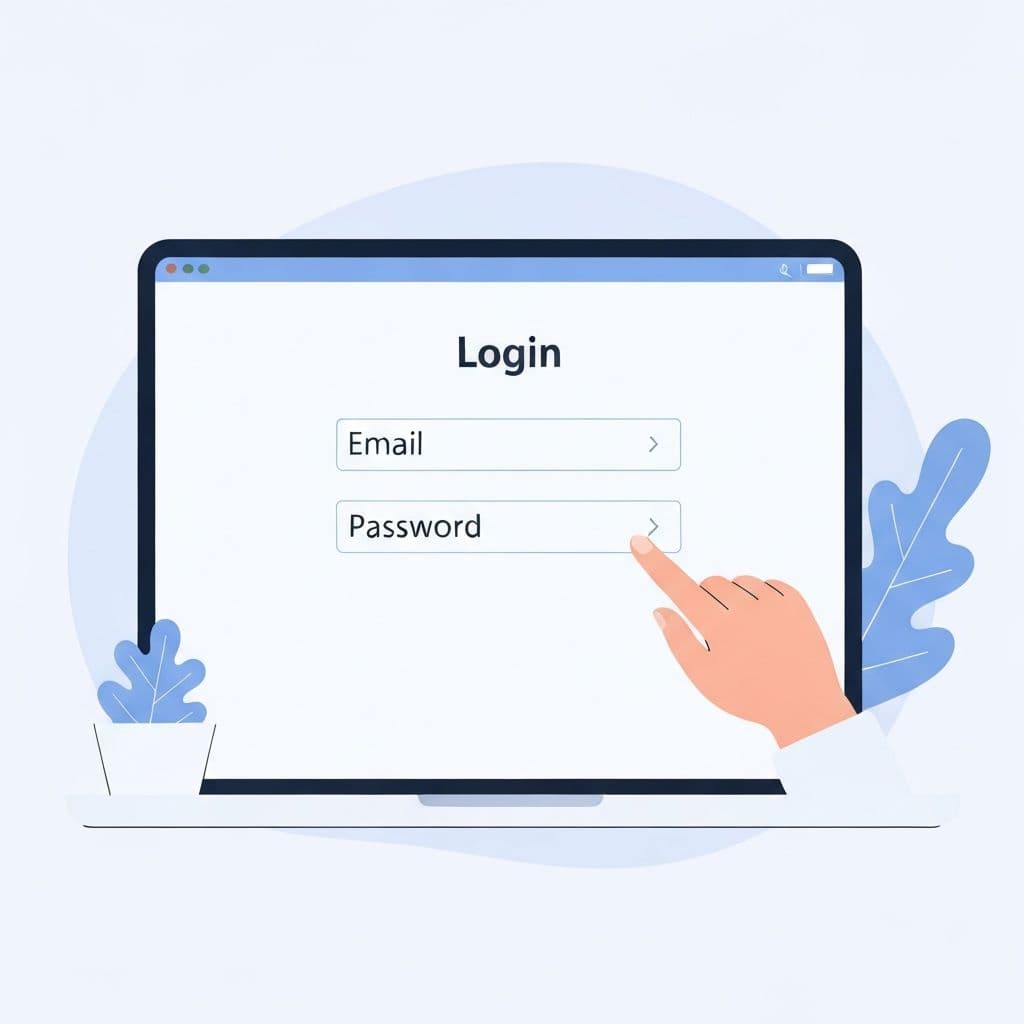
Create your LetsStudy account to get started. Use your email and a secure password to sign up, then log in to access your personalized dashboard.
Tips:
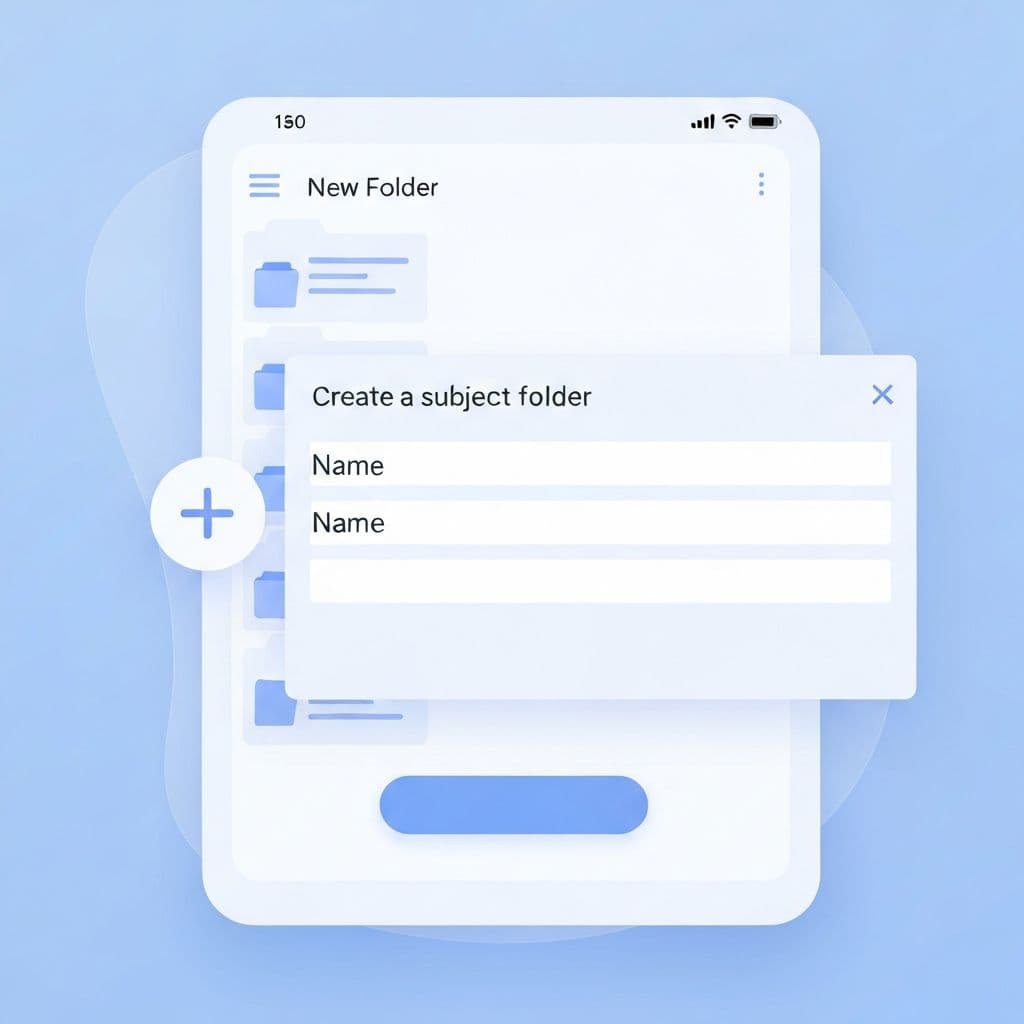
Organize your learning by creating subjects. Click the 'Create Subject' button on your dashboard to add a new topic area like 'Biology', 'History', or any field you're studying.
Tips:
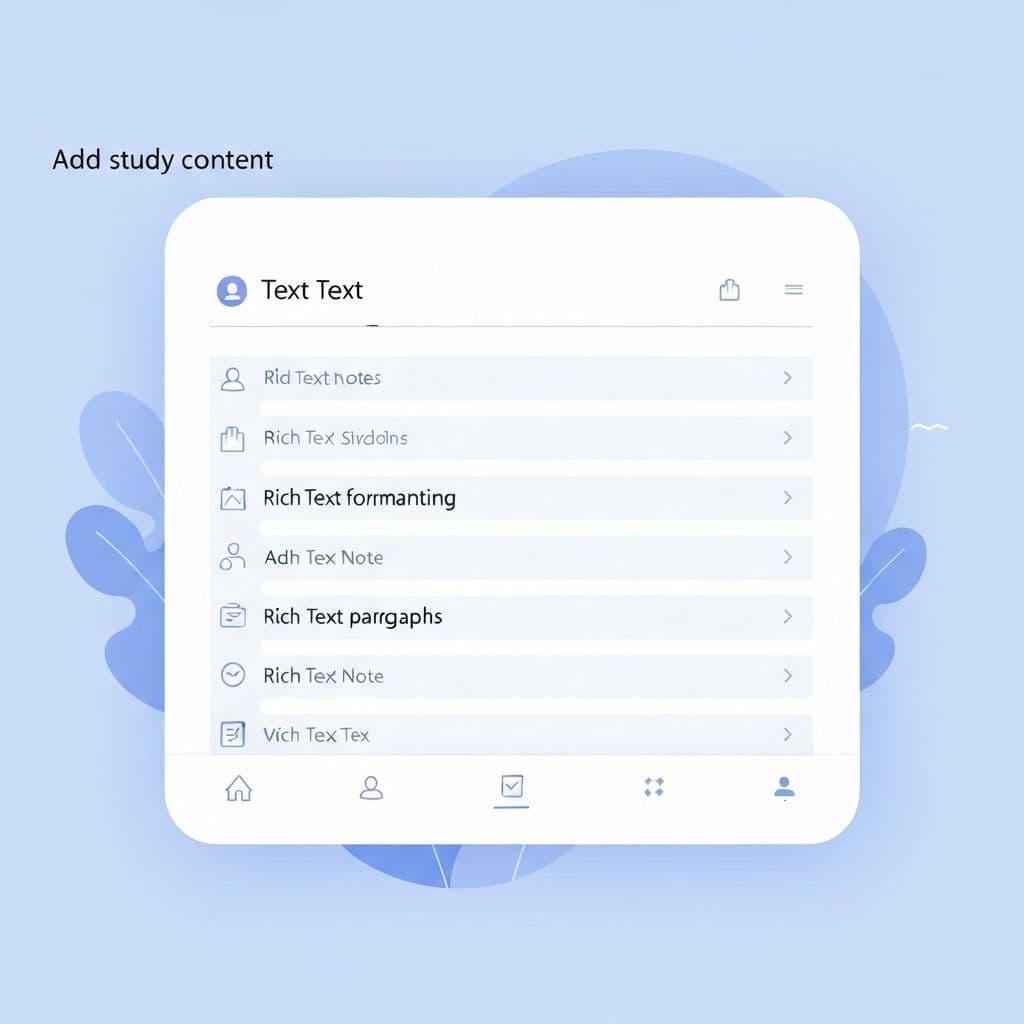
Add pages within your subjects to store your study material. Paste or type your notes, textbook excerpts, lecture content, or any learning material you want to transform.
Tips:
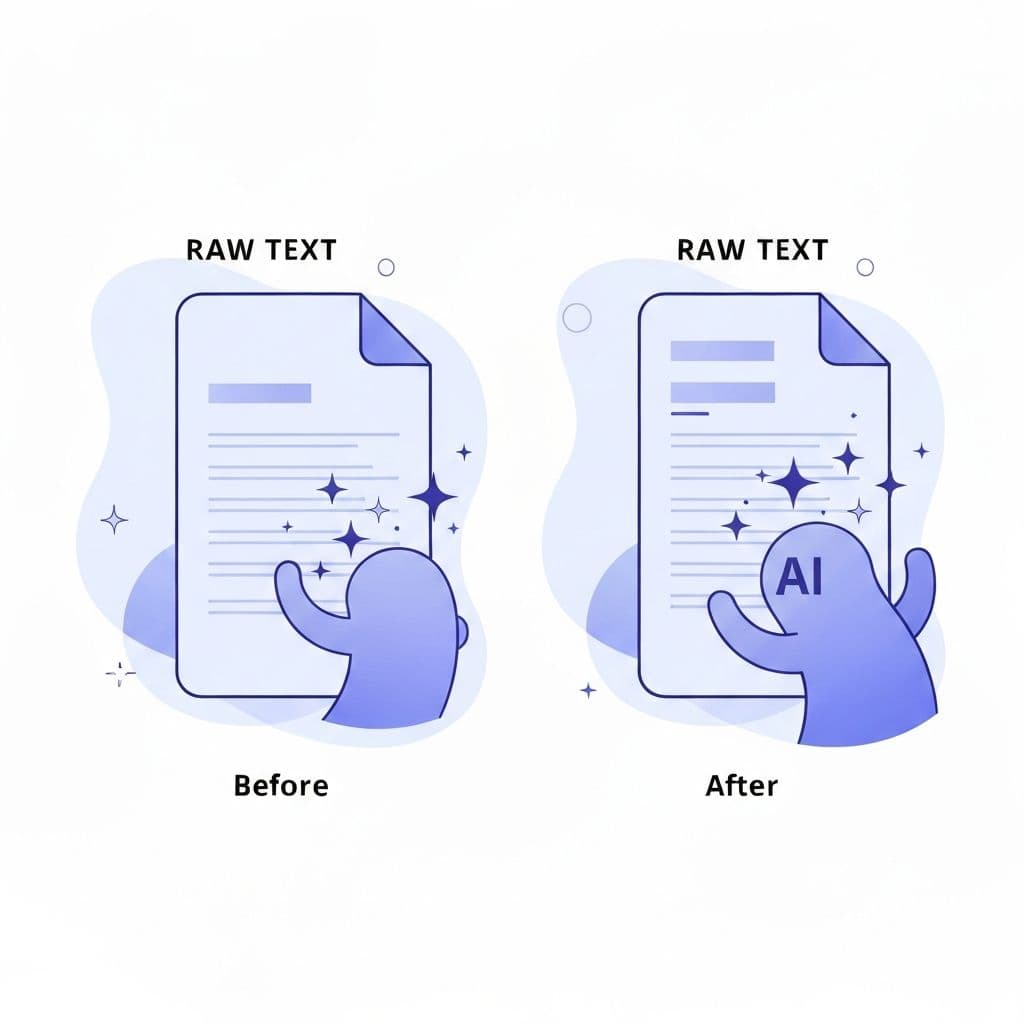
Click 'Process Content' to transform your raw material into structured Q&A format using our 'Unboxing' teaching style. The AI reorganizes content into expert-level, decision-oriented learning cards.
Tips:
Generate flashcards from your processed content for active recall practice. Flip through cards, test yourself, and reinforce your learning with spaced repetition.
Tips:
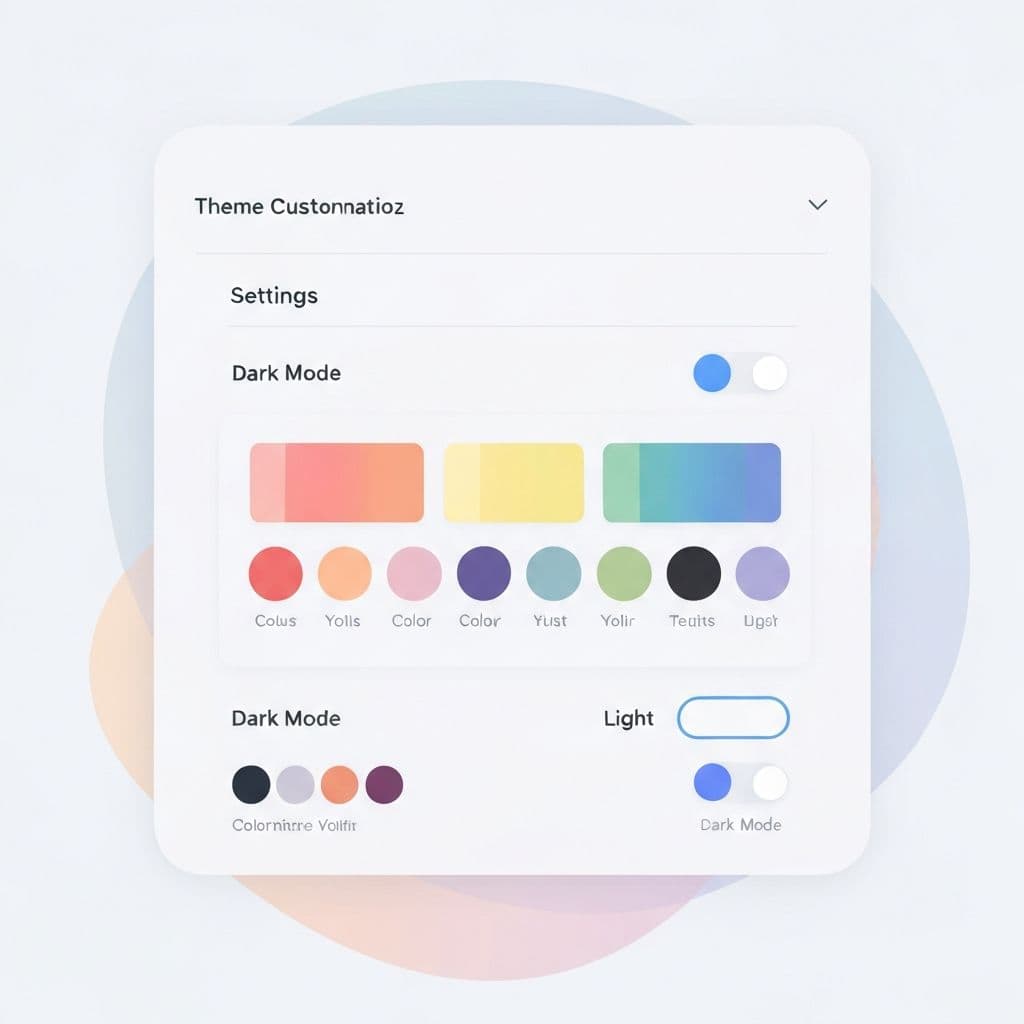
Make LetsStudy yours by choosing from multiple color themes. Whether you prefer dark mode for late-night study sessions or light mode for daytime reading, there's a theme for you.
Tips:
The Unboxing teaching style mimics how experts think through problems in real-time. Instead of passive textbook content, it structures information as step-by-step reasoning, helping you understand not just 'what' but 'why' and 'how'.
The AI restructures your content for better learning but preserves all important details, numbers, formulas, references, and citations. It transforms dense text into digestible Q&A format without losing information.
Yes! LetsStudy works with any field — medicine, engineering, law, computer science, humanities, and more. The AI adapts its processing to preserve field-specific details like equations, protocols, or legal citations.
Flashcards are automatically generated from your processed Q&A content. Each question becomes the front of a card, and the answer becomes the back. Use keyboard shortcuts or click to navigate and flip cards.
Yes, your content is stored securely in your personal account. Only you can access your subjects and pages unless you explicitly share them.
| Shortcut | Action | Context |
|---|---|---|
| ← | Previous flashcard | Flashcard viewer |
| → | Next flashcard | Flashcard viewer |
| Space | Flip card | Flashcard viewer |
| Esc | Close modal | Any modal |
Head to your dashboard to create your first subject and transform your study material.
Go to Dashboard